
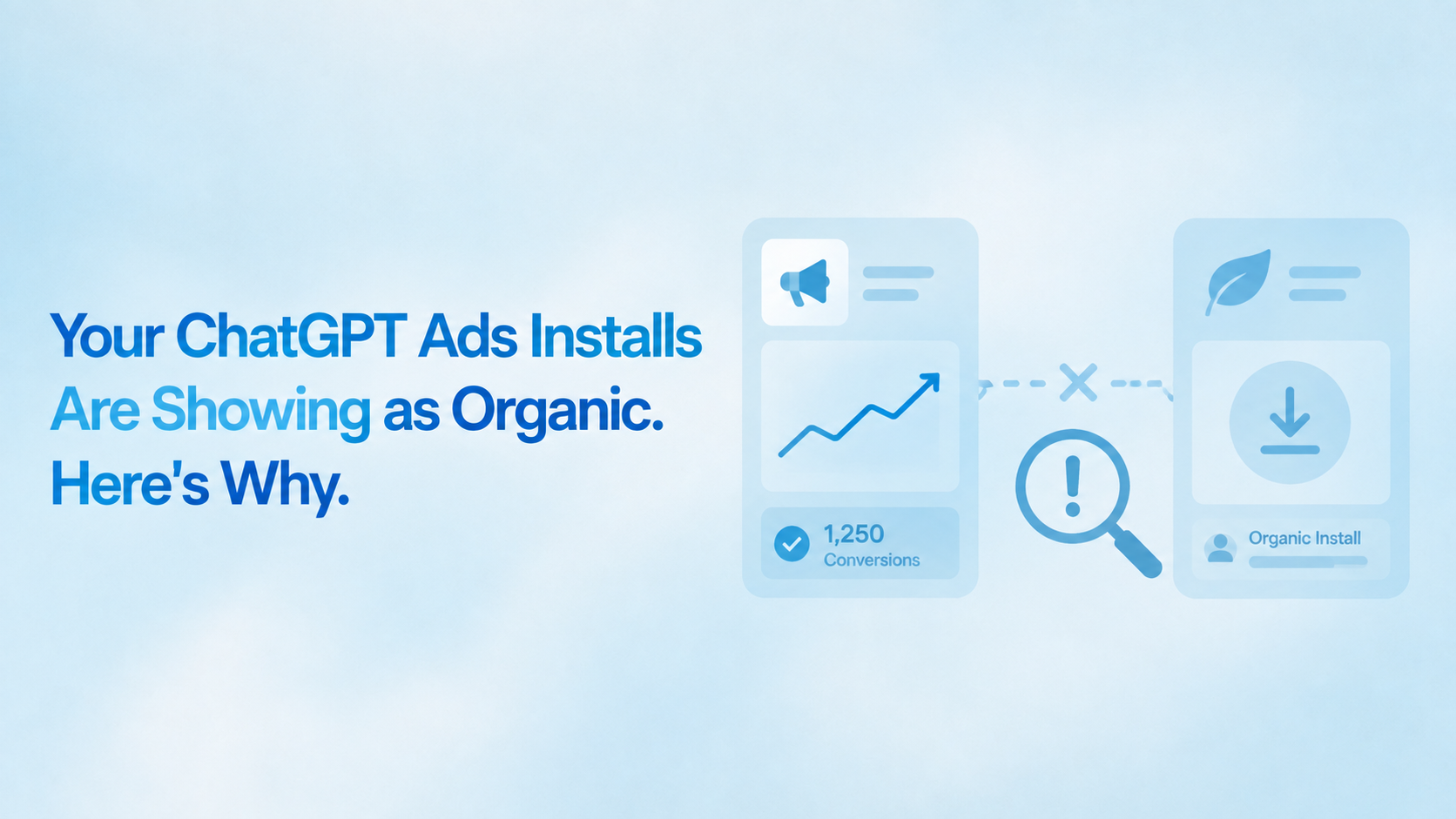
Ads Manager says your campaign produced 400 conversions this week. Your measurement platform shows 12 attributed installs from ChatGPT Ads and an organic spike that started, coincidentally, on the day the campaign launched.
Both systems are reporting accurately. The installs arrived. They simply arrived anonymous, and your platform did the correct thing with an install it cannot trace: it filed it under organic.
This is the commonest failure on ChatGPT Ads, it produces no error message anywhere, and it is almost always one of five causes. Here they are in the order you should check them, which is the order of how often they actually occur. Current as of September 2026.
Why this fails silently
ChatGPT Ads attribution is click-based. When someone taps a sponsored placement, the platform appends a click identifier to your destination URL, and that identifier is the only thread connecting the ad to the install.
Click identifier: The unique reference appended to your destination URL at serve time, inserted via a macro in your tracking link. If it does not survive the journey from ChatGPT to your app, no attribution is possible.
Nothing in that chain validates itself. Ads Manager reports a click whether or not your link captured it. Your SDK reports an install whether or not there is a click to match it to. Neither system knows the other expected something, so neither raises an error. The only visible symptom is the one in the opening: a rise in organic that tracks your campaign spend.
That symptom is diagnostic on its own. If your organic installs rose on the day a paid campaign launched, you do not have an organic growth story, you have an attribution failure. The general version of this reasoning is in the complete attribution discrepancy troubleshooting guide.
Cause 1: The click ID macro is missing or hard-coded
This is the majority of cases.
Your tracking link needs a parameter that ChatGPT Ads populates at serve time, using the platform's macro rather than a fixed value. The braces are the whole point: the macro is a placeholder the ad platform replaces, not a string you type.
Two versions of this mistake. The first is omitting the parameter entirely, usually because the link was built quickly and the campaign parameters looked complete without it. The second is subtler: someone pastes a real click reference from a test into the link and it goes live hard-coded, so every install in the campaign carries an identical identifier and none of them can be told apart.
How to confirm. Open your click log or raw click report and look at the identifier values. If the field is empty, the macro is missing. If every row shows the literal macro text rather than a real reference, the platform is not substituting it. If every row shows the same value, it is hard-coded.
How to fix. Rebuild the link with the macro in place, verify the exact token against your Ads Manager account, and swap the new link into the campaign. Do not assume the macro syntax you used in July is still current, because this platform has shipped changes roughly monthly since February.
Cause 2: The tracking link was never swapped into the live campaign
The second most common cause, and the most annoying, because the setup work was done correctly.
The pattern is consistent. Someone builds the tracking link, tests it in a browser, watches it redirect to the store, confirms it works, and then does not go back into Ads Manager to replace the destination URL. The campaign keeps running against the original store link. The tracking link sits in a document, correct and unused.
How to confirm. Open the live campaign in Ads Manager and read the destination URL character by character. Do not check the document where you built the link. Check the campaign.
How to fix. Replace it. Then check every other campaign, because teams that made this mistake once usually made it on more than one campaign in the same session.
Cause 3: A landing page is stripping the parameter
If your ad points at your own marketing site rather than straight at the tracking link, you have introduced a hop where the identifier can disappear.
Several ordinary things cause this. Many web frameworks strip unrecognised query parameters on redirect. Some sites redirect through a canonical URL that drops everything after the question mark. Consent management scripts sometimes rewrite the URL before your own JavaScript reads it. A trailing-slash redirect rule can do it. None of these announce themselves.
How to confirm. Take your tracking link, append a dummy click identifier, and open it on a real device. Follow it through every hop to the store and check the parameter is still present at the final step before the store hand-off. Browser developer tools will show you the redirect chain if the intermediate pages are too fast to read.
How to fix. Either fix the passthrough on your site so the parameter survives, or remove the hop entirely and point the ad directly at the tracking link. The second option is faster and is usually the right call for an app-install campaign, where the landing page rarely earns its place. If the landing page does earn its place, the passthrough patterns in deep linking for web-to-app are the ones to implement.
Cause 4: You are reading the numbers before the lag has passed
Not a fault, but it produces identical symptoms and wastes a lot of debugging time.
Attributed events appear in the Conversions metric in Ads Manager after 24 to 48 hours. Your measurement platform sees the install almost immediately. For the first two days of any campaign, the two systems are looking at different windows of reality, and comparing them produces a discrepancy that resolves itself.
How to confirm. Check the timestamps rather than the totals. If your platform shows attributed installs and Ads Manager shows fewer conversions, and the campaign is under 48 hours old, wait.
How to fix. Nothing. Build the lag into your review cadence instead. This is the specific reason a daily optimisation routine does not work on this channel, and why any Monday review needs to read the ChatGPT Ads column as a two-day-lagged view. The general sequencing is in the Monday morning performance marketing routine.
Cause 5: Your attribution window is shorter than the real install delay
The least common cause and the easiest to miss, because everything is configured correctly and the numbers are still wrong.
Attribution windows for ChatGPT Ads are set in your measurement platform, not in Ads Manager. If your window is tighter than the actual gap between click and install, the click is logged, the install arrives, and the match is rejected on timing. The install then falls through to organic exactly as if the identifier had been missing.
This shows up as partial attribution rather than total failure. Some installs attribute and some do not, and the ones that do not are disproportionately the ones that took longest.
How to confirm. Look at the distribution of time-to-install among your attributed installs. If the distribution is cut off hard at your window boundary rather than tailing off naturally, you are truncating real installs.
How to fix. Widen the window and compare. Running one-day and seven-day cuts in parallel for a fortnight tells you where your own installs genuinely cluster, which is a better basis for the setting than any default. Be aware that a wider window will also credit ChatGPT Ads with installs another channel influenced, which is the trade-off, and the same trade-off that produces the familiar gap described in why your Meta ROAS does not match your MMP data.
The 15-minute diagnostic
Run these in order and stop at the first failure. Each step rules out one cause.
- Is the campaign more than 48 hours old? If not, wait. You cannot diagnose anything inside the reporting lag.
- Open the live campaign and read the destination URL. Is it your tracking link, or a store URL? This rules out cause 2 in about thirty seconds and it fails more often than people expect.
- Check the click identifier values in your click log. Empty, literal macro text, or all identical? That is cause 1.
- Click your own link on a real device with a dummy identifier appended. Does the parameter survive to the final redirect? If not, that is cause 3.
- Look at the time-to-install distribution. Cut off sharply at your window boundary? That is cause 5.
- If all five pass, the setup is sound and the problem is volume rather than attribution. At the ₹725 daily floor, small absolute numbers look like failure and are not.
Most teams find their answer at step two or three.
What you cannot fix
One thing worth being clear about, because it changes what you do next rather than how you debug.
Installs from a campaign that ran without a working tracking link are not recoverable. Click-based attribution matches against clicks that were logged with campaign parameters at the time. If those clicks were never logged, there is nothing to match against later, and no amount of reprocessing will produce the attribution retrospectively.
So the correct response to discovering this after two weeks of spend is not to try to reconstruct the history. It is to fix the link, relaunch, and treat the previous fortnight as a sunk cost that bought you a lesson. Writing off two weeks is uncomfortable. Building a quarterly plan on numbers reconstructed from an organic spike is worse.
The way to not be here again is a launch-day check rather than a monthly one. The routine in the weekly attribution audit catches this class of problem within days on every channel, not just this one.
The pre-launch check that prevents all five
Every cause above is cheaper to prevent than to diagnose, and the prevention is a single test click before the campaign goes live.
Run it like this. Build the tracking link. Append a dummy click identifier by hand, something unmistakable like test_20260904. Open that URL on a real device, not a desktop browser, because the store hand-off behaves differently on mobile. Follow it through every redirect to the store listing. Install the app from that listing. Open the app. Then check your platform for an attributed install carrying your dummy identifier.
If that install appears, correctly attributed, all five causes are ruled out at once. The macro slot works, the redirect chain preserves the parameter, the SDK matches on first open, and the window is wide enough for a same-session install. It takes about ten minutes.
Two details make the difference between a test that proves something and one that does not. Use a device that has never had the app installed, or clear the install first, because a reinstall on a device the platform already knows will attribute through a different path and tell you nothing about a new user. And run the test after the campaign is configured in Ads Manager rather than before, using the destination URL copied out of the live campaign, since cause two is precisely the gap between the link you built and the link that is actually running.
The habit worth building is that this test is part of launching a campaign on any new channel, not a ChatGPT Ads-specific ritual. The same ten minutes catches broken links on Meta, Google and TikTok, where the failure mode is identical and the consequences scale with the larger budgets. If you already run a structured postback setup process, as described in the complete postback setup guide for Meta, Google and TikTok, this slots in as the final step before spend starts.
Frequently asked questions
Why are my ChatGPT Ads installs showing as organic?
Almost always because the click identifier did not reach your measurement platform. In order of frequency: the macro was missing or hard-coded in the tracking link, the tracking link was never swapped into the live campaign, or a landing page stripped the parameter on redirect.
Why does Ads Manager show conversions when my MMP shows none?
Either the reporting lag, if the campaign is under 48 hours old, or a broken click identifier. Ads Manager counts a conversion using its own pixel or conversion setup; your MMP needs the click identifier to make the same connection, and it fails independently.
Can I recover ChatGPT Ads installs that were logged as organic?
No. Click-based attribution cannot be backfilled, because the clicks were never logged with campaign parameters. Fix the link and relaunch rather than attempting to reconstruct the history.
How long should I wait before assuming ChatGPT Ads tracking is broken?
A full 48 hours. OpenAI documents 24 to 48 hours before attributed events appear in Ads Manager, so a campaign checked on day one will look broken whether it is configured correctly or not.
My organic installs jumped when I launched a paid campaign. Is that good?
No. Organic installs rising in step with paid spend is the standard signature of an attribution failure, not of organic growth. Treat a correlated organic spike as a diagnostic finding and run the check above.
Where Linkrunner fits
Every check above works on any measurement platform. What differs is how quickly you can run them.
Linkrunner attributes ChatGPT Ads installs through its tracking links, alongside Meta, Google and TikTok in a single dashboard, without an enterprise contract or a minimum volume commitment. The raw click log that steps three and five depend on is in the same place as the install data, which is what turns this from a support ticket into a fifteen-minute check.
The Linkrunner link redirection documentation covers the passthrough behaviour behind cause 3, and the SDK integration testing guide covers the end-to-end validation that would have caught all five before launch.
Key takeaways
- An organic install spike that starts on your campaign launch date is an attribution failure, not organic growth.
- Five causes, in frequency order: missing or hard-coded macro, link never swapped into the campaign, landing page stripping the parameter, reading inside the 24 to 48 hour lag, and a window shorter than the real install delay.
- Nothing in the chain validates itself, so the failure produces no error anywhere.
- Most teams find their cause at step two or three of the diagnostic.
- Installs from a campaign that ran without a working link cannot be recovered. Fix, relaunch, and write off the spend.
What to do now
Open your live campaign and read the destination URL. That single check resolves a large share of cases and takes under a minute.
If it is correct, pull your click log and look at the identifier values. Between those two checks you will have your answer more often than not.
And once it is fixed, add a launch-day attribution check to whatever runbook your team uses for new campaigns. This failure is cheap to catch on day one and expensive to discover in a quarterly review, and the difference between those two outcomes is a five-minute habit.
To see ChatGPT Ads clicks and installs in the same place as the channels you already measure, request a demo from Linkrunner.