
For most mobile-first companies, the mobile web isn't the product. It's the waiting room. Users land on your mobile site from Google search, social shares, or email links. They browse, maybe add something to a cart or read an article, and then leave. The conversion rate on mobile web is typically 1-3%. In the native app, that same user converts at 3-8%.
The gap represents real revenue. An eCommerce app with 500,000 monthly mobile web visitors converting at 1.5% generates 7,500 transactions. If 20% of those visitors moved to the app and converted at 5%, that's an additional 12,500 transactions from the same traffic. No incremental ad spend. No new users. Just a better path from web to app.
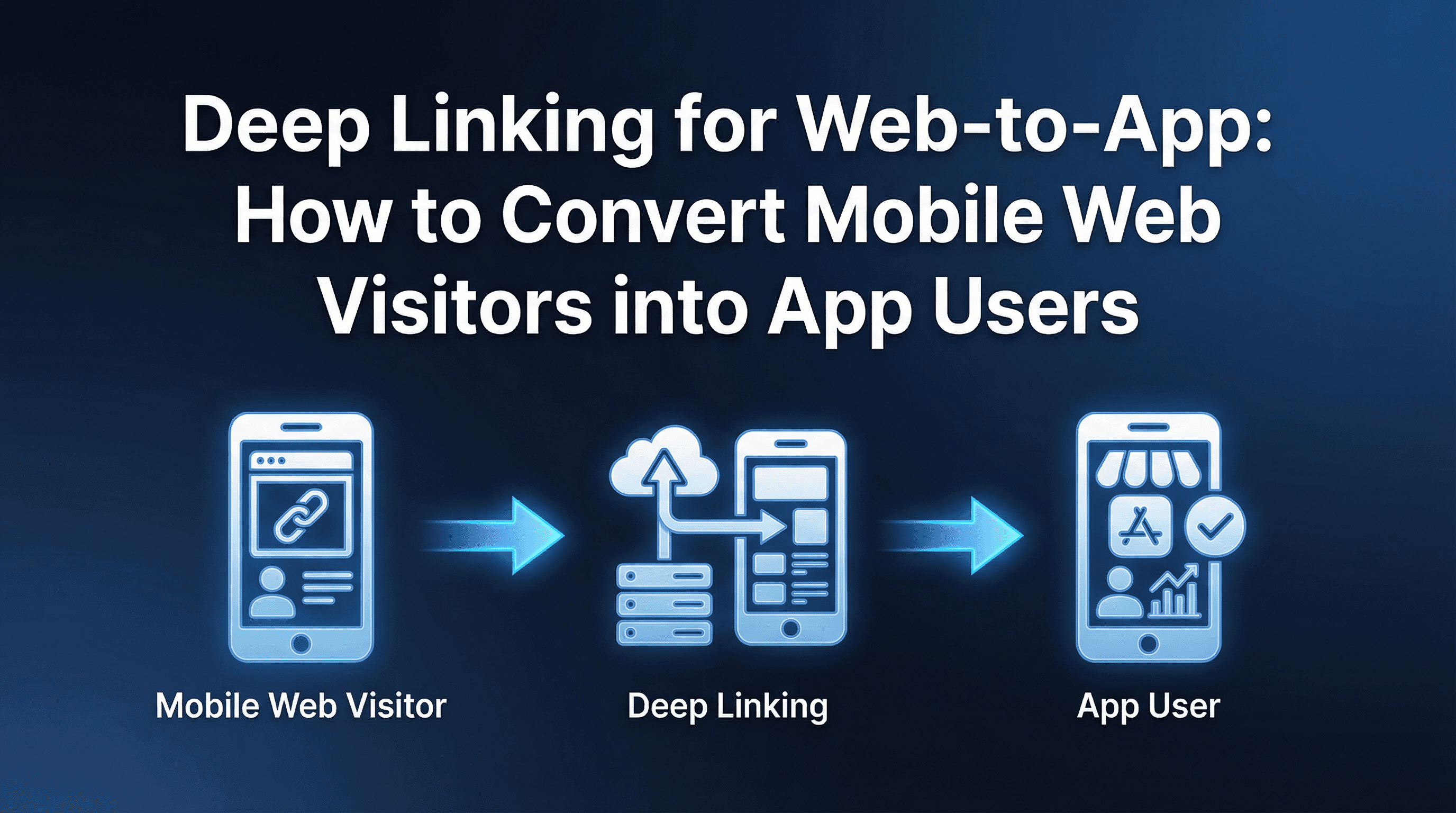
The problem is that moving users from mobile web to native app is one of the highest-friction transitions in mobile. The user has to discover the app exists, navigate to the store, install it, open it, and then re-find whatever they were looking at on web. Most don't bother. Deep linking fixes this by collapsing that journey into a single tap.
The Web-to-App Opportunity: Why Native Beats Mobile Web
The conversion gap between mobile web and native app exists for structural reasons, not just design quality.
Push notifications. Native apps can re-engage users through push. Mobile web can technically send notifications through service workers, but adoption is negligible on iOS and low on Android. Push-driven sessions account for 15-30% of app revenue for most consumer apps.
Saved credentials and payment methods. App users store login details and payment information. One-tap checkout reduces cart abandonment from 70-80% (mobile web) to 30-40% (native app) for returning users.
Speed and responsiveness. Native apps load content from local caches and optimised APIs. Mobile web depends on full page loads over variable network connections. The speed difference directly affects browse-to-purchase conversion.
Personalisation depth. Apps access device-level signals (location, activity, preferences) that enable richer personalisation. Mobile web operates within browser sandbox limitations.
The point isn't that mobile web is bad. It's that mobile web serves a different function: discovery and first contact. The app serves the function of retention and monetisation. Web-to-app deep linking is the bridge between these two stages, and getting it right directly affects how much of your organic and paid web traffic converts into long-term app users.
Smart Banners vs Interstitials vs Inline CTAs: When to Use Each
There are three primary methods for prompting web-to-app transitions. Each has different conversion characteristics and user experience tradeoffs.
Smart Banners
A persistent banner at the top or bottom of the mobile web page showing the app icon, rating, and an "Open in App" button. If the user has the app installed, tapping the banner opens the app to the equivalent in-app screen. If they don't have the app, it takes them to the store with deferred deep link parameters stored.
Typical conversion rate: 1-3% of mobile web sessions result in banner taps. Of those taps, 40-60% complete the install and open flow.
Best for: High-traffic pages where you want a low-friction, always-available option without interrupting the browsing experience. Works well for content-heavy apps (news, recipes, articles) where users browse multiple pages per session.
Limitations: Easy to ignore. Banner blindness is real, especially on sites that also show cookie consent banners and newsletter popups. The small surface area limits what you can communicate about app benefits.
Interstitials
A full-screen or half-screen overlay that appears at a strategic moment (after 30 seconds of browsing, after viewing 3 pages, or at the point of a conversion-critical action like checkout). The interstitial highlights app-specific benefits and includes a deep link button.
Typical conversion rate: 5-12% of users who see the interstitial tap through. Higher than banners because the interstitial demands attention, but more disruptive.
Best for: High-intent moments where the app provides a clearly better experience. An eCommerce site showing an interstitial at checkout ("Complete your purchase faster in the app with saved payment") performs better than one shown on the landing page.
Limitations: Google penalises intrusive interstitials in mobile search rankings. If your mobile web traffic comes primarily from SEO, test carefully before deploying full-screen interstitials on landing pages. Timed or scroll-triggered interstitials on non-landing pages are safer.
Inline CTAs
Contextual prompts embedded within the page content at natural transition points. For instance, an eCommerce product page might show "See this in AR. Download the app" next to the product images. A news app might show "Get breaking alerts. Open in app" after the user finishes an article.
Typical conversion rate: 2-5% of users who reach the CTA. Lower volume than interstitials but higher intent because the prompt is contextually relevant to what the user is doing.
Best for: Feature-gated experiences where the app provides something the web genuinely can't (AR try-on, push alerts, offline access, saved payment checkout). The conversion argument is specific and believable.
Limitations: Requires page-level implementation. Each CTA must be designed for its context, which means more engineering and design work than deploying a single global banner or interstitial.
Preserving Session Context Through the App Install
The hardest part of web-to-app conversion isn't getting the user to install. It's ensuring they don't lose their place.
A user has been browsing your mobile site for 8 minutes. They've added three items to their cart. They see your smart banner and decide to switch to the app. If the app opens to the home screen with an empty cart, you've just punished the user for doing exactly what you asked them to do.
Context preservation requires deep links that carry data through the install. The specific context types you should support:
Cart contents. Serialise the cart items (product IDs, quantities, applied coupons) into the deep link payload. On app open, reconstruct the cart from the payload. This is the single highest-impact context to preserve for eCommerce, because abandoned cart recovery in the app is 3-5x more effective than on mobile web.
Article or content position. For media and content apps, pass the content ID and scroll position. Users who switch mid-article should continue reading from where they left off, not start over.
Search query and filters. If the user was searching for "red sneakers under ₹5,000" on mobile web, pass the search parameters to the app so results appear immediately without re-entering the query.
Authentication state. If the user was logged in on mobile web, pass a secure session token that auto-authenticates them in the app. Requiring a fresh login after switching is the fastest way to kill web-to-app conversion.
Promo codes and offers. Any discount or offer visible on the web page should transfer to the app automatically. Deferred deep linking handles this by storing the promo parameters at click time and delivering them on first app open.
Handling Users Who Already Have the App vs Those Who Don't
Your web-to-app flow must handle two distinct user states, and the experience must be seamless for both.
User Has the App Installed
The deep link should open the app directly to the equivalent in-app screen. On iOS, this requires properly configured Universal Links. On Android, this requires verified App Links. When configured correctly, tapping the "Open in App" button instantly switches to the app with full context.
Common failure: Universal Links or App Links misconfiguration causes the link to open in the browser instead of the app. This is the single most frequent web-to-app bug and should be QA'd across Safari, Chrome, and in-app browsers before launch.
User Does Not Have the App
The deep link should redirect to the App Store or Play Store while storing the session context for deferred delivery. After install, the app retrieves the stored context and routes the user to the correct screen.
The flow has more failure points than the installed-user scenario. Deferred matching on iOS has lower reliability post-ATT (60-85% success rates depending on conditions). Android is more reliable at 90-95% using the Google Install Referrer API.
Design for the gap: Expect 10-30% of new installs from web-to-app flows to land without context. Your onboarding should surface the most recent active promotion or the app's most popular content category as a fallback.
Measuring Web-to-App Conversion Rates
Web-to-app is a funnel with distinct stages, and you need visibility into each.
Stage 1: Impression to tap. How many mobile web visitors see the banner/interstitial/CTA, and how many tap it? This measures the effectiveness of your prompt.
Stage 2: Tap to store. How many taps result in the user reaching the App Store or Play Store? Drop-off here indicates link routing failures (broken Universal Links, redirect chains, in-app browser issues).
Stage 3: Store to install. How many users who reach the store actually install? This measures your store listing conversion rate. If your store listing doesn't match the promise on the web page, expect high drop-off.
Stage 4: Install to first app open. How many installers actually open the app? A 10-20% drop between install and first open is normal (users install but forget to open, or open later when deferred matching windows may have expired).
Stage 5: First open to context delivery. How many first opens successfully receive the deferred deep link payload? This measures your deferred matching success rate.
Stage 6: Context delivery to conversion. How many users who land in the right place actually complete the intended action (purchase, signup, content consumption)?
Multiplied together, these stages tell you the true web-to-app conversion rate. A typical funnel:
100,000 mobile web visitors
2,000 tap the smart banner (2%)
1,800 reach the store (90%)
900 install (50% store conversion)
750 open the app (83%)
600 receive deferred context (80% match rate)
180 complete a purchase (30% of context-delivered users)
That's a 0.18% end-to-end web-to-app purchase rate from total mobile web traffic. Small numbers, but the LTV of these converted users is typically 3-5x higher than mobile web-only users, making the economics compelling. Teams that understand how deep linking drives conversion can improve each stage of this funnel independently.
A/B Testing Deep Link Placement on Mobile Web
The placement, timing, and messaging of your web-to-app prompts should be tested systematically, not guessed.
What to Test
Banner position: Top vs bottom of screen. Bottom banners typically get 15-25% more taps because they're closer to the thumb zone, but they compete with navigation elements.
Interstitial timing: After 15 seconds vs 30 seconds vs 3 page views. Earlier timing captures more users but annoys more visitors. Later timing reaches fewer users but those who see it are more engaged.
CTA copy: "Open in App" vs "Continue in App" vs "Get 10% off in App" vs "Faster checkout in App". Benefit-specific copy (the ₹ discount, the speed improvement) outperforms generic "open in app" messaging by 25-40% in most tests.
Frequency capping: How often should the same user see the prompt? Showing it every session creates fatigue. Showing it once per week means you lose repeat visitors. Test 1x per session vs 1x per day vs 1x per 3 days.
How to Measure
Use your web analytics tool to track prompt impressions, taps, and downstream app installs. The attribution connection between web tap and app install requires your deep linking system to report on deferred install completions by source.
Most web A/B testing tools (VWO, Optimizely, Google Optimize) can handle the web-side test. The challenge is connecting the web variant to the app-side outcome. Ensure your deep link parameters include the test variant ID so you can segment app installs by which web experience drove them.
Implementation Guide for Web SDK Integration
Connecting your mobile web to your app's deep linking infrastructure requires a Web SDK or JavaScript snippet that handles device detection, link routing, and context storage.
Step 1: Install the Web SDK
Add the deep linking platform's (such as Linkrunner’s) SDK to your mobile web pages. This SDK handles device detection (iOS vs Android vs desktop), checks whether the app is installed (via Universal Links/App Links probing), and manages the link routing logic.
Step 2: Configure Device-Specific Routing
Define where each user state goes. App installed on iOS: open via Universal Link to specific screen. App installed on Android: open via App Link. App not installed: redirect to the appropriate store with deferred parameters stored.
Step 3: Implement Context Capture
Before routing the user, capture the current web session context (cart items, search query, content ID, authentication token). Encode this context into the deep link parameters. For complex payloads (full carts with multiple items), use a server-side token system: store the payload server-side, generate a unique token, and pass only the token through the deep link.
Step 4: Build the Smart Banner
Create or configure the banner/interstitial/CTA component. Ensure it reads the deep link parameters dynamically (the "Open in App" button for a product page should link to that specific product, not to the app home screen).
Step 5: QA Across Environments
Test the full web-to-app flow across these environments:
Safari on iOS (both app installed and not installed)
Chrome on iOS (link behaviour differs from Safari)
Chrome on Android
Instagram in-app browser on both platforms
Facebook in-app browser on both platforms
Google search result tap (AMP pages may behave differently)
Each environment handles links differently. Instagram's in-app browser, in particular, has a history of breaking Universal Links and App Links. The range of deep linking use cases across channels means testing must cover every entry point your users actually encounter.
Step 6: Set Up Attribution Tracking
Ensure web-to-app installs are attributed correctly in your MMP. The web SDK should fire a click event when the user taps the banner, and the app SDK should match that click to the install. Without this, web-to-app installs appear as organic in your attribution dashboard, making it impossible to measure the channel's true impact.
Frequently Asked Questions
Do smart banners work on all mobile browsers?
Smart banners built with JavaScript work across Safari, Chrome, Firefox, and most mobile browsers. However, in-app browsers (Instagram, Facebook, Twitter, LinkedIn) have inconsistent behaviour. Test your banner's visibility and link routing in each in-app browser your users frequently encounter.
How much engineering effort does web-to-app deep linking require?
Basic smart banner implementation takes 1.5 hours of front-end engineering time. Full context preservation (cart transfer, auth token passing, content position tracking) adds 1-3 days depending on your web architecture. Platforms like Linkrunner offer a Web SDK that handles device detection and routing out of the box, reducing implementation to banner design and context mapping.
Does Google penalise web-to-app interstitials for SEO?
Google's mobile interstitial penalty applies to interstitials shown immediately on landing pages from search results. Interstitials shown after user interaction (scrolling, tapping, viewing multiple pages) or on non-search-landing pages are not penalised. Smart banners that don't cover the main content are also exempt.
Can I track which web pages drive the most app installs?
Yes, if your deep link parameters include the source page URL or page category. This lets you segment app installs by the web page that triggered the conversion, revealing which content or product pages are most effective at driving app adoption.
What's a good web-to-app conversion rate benchmark?
Smart banner tap rates of 1-3% are typical. Interstitial tap rates of 5-12%. End-to-end web visitor to app installer rates of 0.5-2%. These vary significantly by vertical, offer strength, and how well context is preserved. Benchmarks should be compared against your own historical data after initial implementation.
Key Takeaways
Web-to-app deep linking converts your existing mobile web traffic into higher-value app users without incremental ad spend. The economics are compelling: native app users convert at 2-4x the rate of mobile web users and have significantly higher LTV driven by push notifications, saved payments, and personalisation.
The implementation requires three components working together: a prompt mechanism (smart banner, interstitial, or inline CTA), context preservation through deep links (cart, search, content, authentication), and proper attribution connecting the web tap to the app install.
Start with a smart banner on your highest-traffic mobile web pages. Measure the full funnel from impression to app conversion. Then iterate on placement, timing, and messaging through A/B testing. Add context preservation for the highest-value data types (cart contents for eCommerce, content position for media, search queries for marketplaces) based on what drives the largest lift in post-install conversion.
Platforms like Linkrunner provide a Web SDK that handles device detection, deferred deep linking, and attribution tracking for web-to-app flows out of the box. For teams looking to turn their mobile web traffic into a reliable app growth channel, request a demo to explore how the web-to-app infrastructure works for your specific use case.