
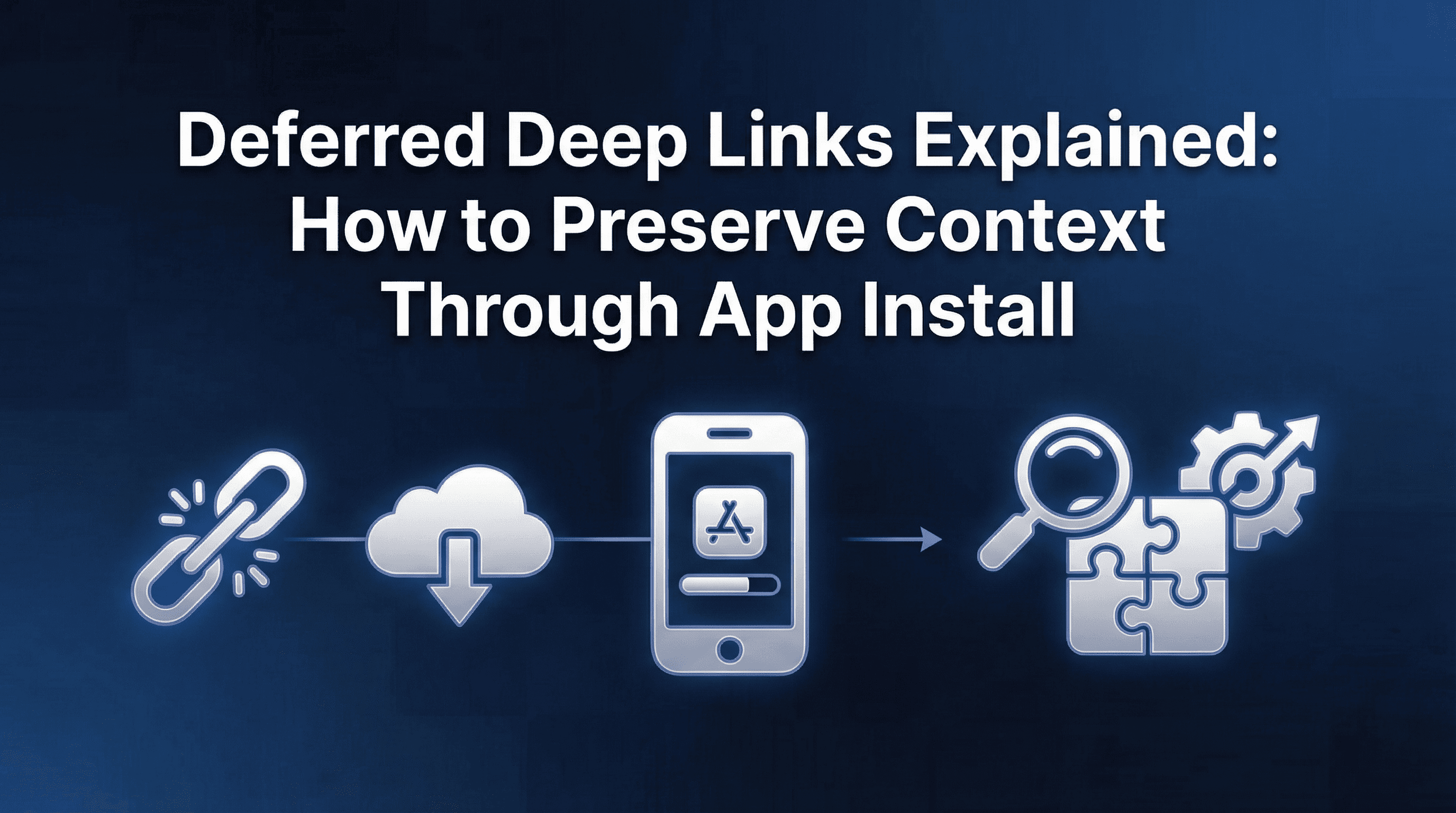
A user taps your Meta ad for a ₹500-off deal on running shoes. They don't have your app installed, so the link takes them to the App Store. They install, open the app, and land on the home screen. No running shoes. No discount. No memory of why they installed in the first place.
This is the install gap. Between the moment a user clicks a marketing link and the moment they first open the app, context gets lost. The campaign parameters, the product intent, the promo code, the referrer ID: all of it disappears unless something actively preserves it through the install flow.
Deferred deep linking is the mechanism that solves this. It stores the context from the original click, waits for the user to install and open the app, then delivers that context to the app so the user lands exactly where they were promised. When it works, D0 conversion rates improve by 20-40%. When it breaks, your highest-intent users get the worst possible first experience.
What Is Deferred Deep Linking?
Deferred deep linking is a technique that "defers" the deep link destination until after the app is installed. Standard deep links route existing app users to specific in-app screens. Deferred deep links do the same for users who don't have the app yet.
The core problem it solves: app stores don't pass URL parameters through to the installed app. When a user clicks a link and gets redirected to the App Store or Play Store, the store treats the install as a fresh session with no knowledge of where the user came from or what they intended to see.
Deferred Deep Link: A link that stores campaign and routing parameters at the time of click, survives the app store installation process, and delivers those parameters to the app on first open, routing the user to a specific in-app destination with full context.
This isn't the same as a regular deep link with a fallback. A fallback URL sends non-app users to a web page or store listing. A deferred deep link sends them to the store and then completes the deep link after install, preserving the original intent.
Why Deferred Deep Links Exist: The User Journey Without Them
Consider the standard install funnel without deferred deep linking:
User sees an ad for Product X on Instagram.
User taps the ad. Link detects no app installed and redirects to App Store.
User installs the app (this takes 30 seconds to 3 minutes depending on connection speed).
User opens the app. App loads to home screen or onboarding tutorial.
User must manually search for Product X. Most don't.
The drop-off between step 4 and finding the intended product typically costs 40-60% of new installs. These users had high purchase intent (they clicked an ad for a specific product), but the install process destroyed the context that linked their intent to a destination.
With deferred deep linking, the journey changes:User sees an ad for Product X on Instagram.
User taps the ad. The link system stores the click parameters (product ID, campaign source, promo code).
Link detects no app installed and redirects to App Store.
User installs and opens the app.
App checks with the link system, retrieves stored parameters, and routes the user directly to Product X with the promo code already applied.
The difference is measurable. Apps implementing deferred deep linking across their paid campaigns typically see higher conversion rates from install to first purchase because intent is preserved rather than discarded.
How Deferred Matching Works Under the Hood
Deferred deep linking requires matching a pre-install click to a post-install app open. Since no persistent identifier survives the app store journey, the system must use indirect matching methods.
Google Install Referrer (Android)
On Android, the Google Play Install Referrer API is the most reliable deferred matching method. When a user clicks a link and lands on the Play Store, the referrer string embedded in the store URL is stored by Google. After the user installs and opens the app, the SDK retrieves this referrer string from the Play Store.
This is deterministic matching. The referrer string carries the exact campaign parameters from the original link. Match rates on Android using the Install Referrer API typically exceed 95% for clicks that go through the Play Store.
Limitations: The Install Referrer API only works for installs through the Google Play Store. Side-loaded APKs, alternative stores, or direct APK downloads don't support referrer passing.
Device Fingerprinting (iOS and Android Fallback)
Device fingerprinting collects non-persistent device attributes at click time (IP address, device model, OS version, screen resolution, language, timezone) and creates a composite "fingerprint". When the app opens post-install, the SDK collects the same attributes and matches them against stored click fingerprints.
Match accuracy for fingerprinting varies significantly. On a stable Wi-Fi network with a unique device configuration, match rates reach 80-90%. On mobile networks where IP addresses rotate frequently, or in environments with many similar devices (university campuses, corporate offices), match rates drop to 50-70%.
Fingerprinting works across both iOS and Android, but post-ATT privacy constraints have made it increasingly unreliable on iOS, where Apple actively discourages non-consent-based tracking methods.
Clipboard/Pasteboard (iOS Specific)
Some deep linking implementations use the iOS pasteboard (clipboard) to pass parameters. When the user clicks the link, the system copies a unique token to the clipboard. After install, the app reads the clipboard and matches the token to retrieve stored parameters.
This method has high accuracy (near 100% when it works) but significant drawbacks. iOS 14+ shows a banner notification whenever an app reads the clipboard, alerting users with a "[App] pasted from Safari" message. This creates user friction and trust concerns. iOS 16+ further restricted clipboard access, requiring explicit user permission in some contexts.
Most modern implementations have moved away from clipboard-based matching for user experience reasons.
Apple's App Clip and SKAdNetwork Signals
Apple doesn't provide a direct equivalent to Google's Install Referrer API. SKAN postbacks carry conversion values but don't support deferred deep link parameters. The lack of a first-party deferred matching mechanism on iOS is the primary reason deferred deep link success rates are lower on iOS than Android.
iOS vs Android: Where the Approaches Diverge
The practical differences between platforms are significant enough to affect campaign planning.
Android deferred deep link success rates: 90-97% when using Google Install Referrer as the primary method with fingerprinting as fallback. The combination covers nearly all Play Store installs reliably.
iOS deferred deep link success rates: 60-85% depending on the matching method and user environment. Without IDFA (which most users decline post-ATT), iOS relies on fingerprinting and first-party signals. Match rates vary by network type, device commonality, and time between click and install.
This gap means growth teams should expect different attribution and routing reliability by platform. Campaigns optimised for iOS should account for the 15-40% of deferred deep link failures by ensuring the fallback experience (home screen or onboarding) still communicates the offer clearly.
Privacy Constraints: How ATT Changed Deferred Deep Linking on iOS
Before iOS 14.5, deferred deep linking on iOS used IDFA as a deterministic match key. The IDFA was available at click time (via the ad network) and at app open time (via the SDK). Match rates were consistently 95%+.
After ATT, IDFA access requires explicit user opt-in. Consent rates typically range from 15-35% depending on the app's ATT prompt strategy. For the 65-85% of users who don't consent, deferred matching falls back to probabilistic methods.
The practical impact:
Lower match rates. Deferred deep link success on iOS dropped from 95% to 60-85% post-ATT for most apps.
Longer match windows. Fingerprint-based matching becomes less reliable as time increases between click and install. The industry standard match window is 24 hours, but accuracy degrades significantly after 1 hour, especially on cellular networks where IP addresses change.
Inconsistent user experience. Some iOS users get perfectly routed to the promoted product. Others land on the home screen with no context. This inconsistency is hard to debug because it depends on factors outside your control (network conditions, device similarity, time to install).
ATT consent improves matching. Users who opt in to tracking get deterministic matching through IDFA. This creates an incentive to optimise your ATT prompt, not just for attribution accuracy, but for deferred deep link success rates.
Success Rate Benchmarks: What to Realistically Expect
Based on patterns across consumer apps running significant paid UA, here are realistic deferred deep link success rates:
Android (Google Play Store installs):
Install Referrer available: 95-97% match rate
Fingerprint fallback only: 75-85% match rate
Blended average: 90-95%
iOS (App Store installs, post-ATT):Users with IDFA consent: 95%+ match rate
Users without IDFA, stable Wi-Fi: 75-85% match rate
Users without IDFA, cellular: 55-70% match rate
Blended average: 65-80%
Cross-platform blended (typical 60/40 Android/iOS split):Overall deferred deep link success: 78-90%
These numbers mean that for every 100 users who click your ad, install, and open the app, 78-90 will land on the correct destination. The remaining 10-22 will land on a fallback screen. Designing a good fallback experience is as important as implementing deferred deep linking itself.
Benchmarks vary by geo, device mix, and network conditions. Use these as starting points and measure your own rates by comparing link clicks to successful deferred route completions.
Implementation Checklist: Getting Deferred Deep Links Right
Deferred deep linking works reliably when every component in the chain is configured correctly. Missing any step introduces silent failures that are hard to diagnose.
1. SDK Integration with Deferred Support
Ensure your deep linking SDK is initialised early in the app launch cycle. If the SDK initialises after the user has already navigated past the splash screen, the deferred payload arrives too late to route them.
Validation test: Create a test link with a specific in-app destination. Click it on a device without the app, install from the store, and verify routing on first open. Do this on both iOS and Android.
2. Universal Links (iOS) and App Links (Android) Verification
Deferred deep linking depends on the initial click being handled correctly. On iOS, this means your Universal Links configuration (apple-app-site-association file) must be valid. On Android, your App Links (assetlinks.json) must be hosted correctly.
Validation test: Paste your deep link into Safari (iOS) and Chrome (Android). Verify it opens the app directly for existing users without going through a web redirect. If it opens a webpage instead, your link verification is broken.
3. Fallback Handling
When deferred matching fails, the user opens the app with no context. Your fallback experience should communicate the current promotion or at minimum provide a clear path to the most popular content.
Implementation tip: Store the most recent active campaign offer as a fallback banner that all new installs see for the first 48 hours. This catches users whose deferred deep link failed.
4. Attribution Parameter Mapping
Deferred deep links carry two types of data: routing parameters (where to send the user) and attribution parameters (which campaign drove the install). Ensure both are configured in your dynamic deep link setup so the install is attributed correctly and the user is routed simultaneously.
5. Match Window Configuration
The match window defines how long after a click the system will attempt deferred matching. Too short (under 1 hour) and you miss users who browse the store before installing. Too long (over 48 hours) and you increase false positive matches.
Recommended starting point: 24 hours for fingerprint matching, unlimited for Google Install Referrer (which is deterministic and doesn't degrade with time).
6. Testing Across Browsers and In-App Webviews
Deep links behave differently in Safari, Chrome, Instagram's in-app browser, and Facebook's webview. Deferred deep linking must work across all of these because your ads run inside these environments.
Critical test: Click your test link inside Instagram's in-app browser on both iOS and Android. This is where most deferred deep link failures occur because in-app browsers handle Universal Links and App Links inconsistently.
7. Event Tracking for Deferred Success Rate
Track two events: "deferred_deep_link_received" (SDK received stored parameters) and "deferred_deep_link_routed" (user successfully navigated to the intended screen). The gap between these two events reveals routing failures even when matching succeeds.
Frequently Asked Questions
Do deferred deep links work if the user installs from a different device?
No. Deferred matching connects a click on Device A to an install on Device A. If the user clicks on their phone but installs on a tablet, the match fails. Cross-device scenarios require authenticated matching (user logs in on both devices), which is outside the scope of standard deferred deep linking.
How long do deferred deep link parameters stay valid?
This depends on your match window configuration. Most systems store click parameters for 24-72 hours. Google Install Referrer data persists until the app reads it, regardless of time elapsed.
Can deferred deep links carry custom data beyond UTM parameters?
Yes. Most implementations support arbitrary key-value pairs. You can pass product IDs, promo codes, referral tokens, content identifiers, or any custom data your app can act on at first open.
What happens if two clicks from different campaigns happen before install?
The system typically attributes to the most recent click (last-click attribution). If a user clicks an Instagram ad and then a Google ad before installing, the deferred deep link parameters from the Google ad click are delivered.
Are deferred deep links the same as deferred deep linking?
The terms are used interchangeably. "Deferred deep link" refers to the link itself. "Deferred deep linking" refers to the technique or system that makes it work.
Key Takeaways
Deferred deep linking bridges the gap between ad click and first app open, preserving campaign context, routing parameters, and user intent through the app store installation process. Without it, your highest-intent users (those who clicked a specific ad for a specific product) get the worst possible first experience: a generic home screen with no memory of why they installed.
The technical landscape has shifted since ATT. Android remains highly reliable at 90-95% success rates through Google's Install Referrer API. iOS success rates have dropped to 65-80% as probabilistic matching replaced IDFA-based deterministic matching. Teams should plan for this gap by designing strong fallback experiences and tracking deferred match success rates as a core operational metric.
Platforms like Linkrunner enable deferred deep linking on every link by default, with no separate configuration or add-on required. Every link created through the platform automatically stores click parameters, handles the install referrer flow, and delivers context on first app open. For teams that want deferred deep linking working reliably across iOS and Android without managing the matching infrastructure themselves, request a demo to see the implementation in practice.