
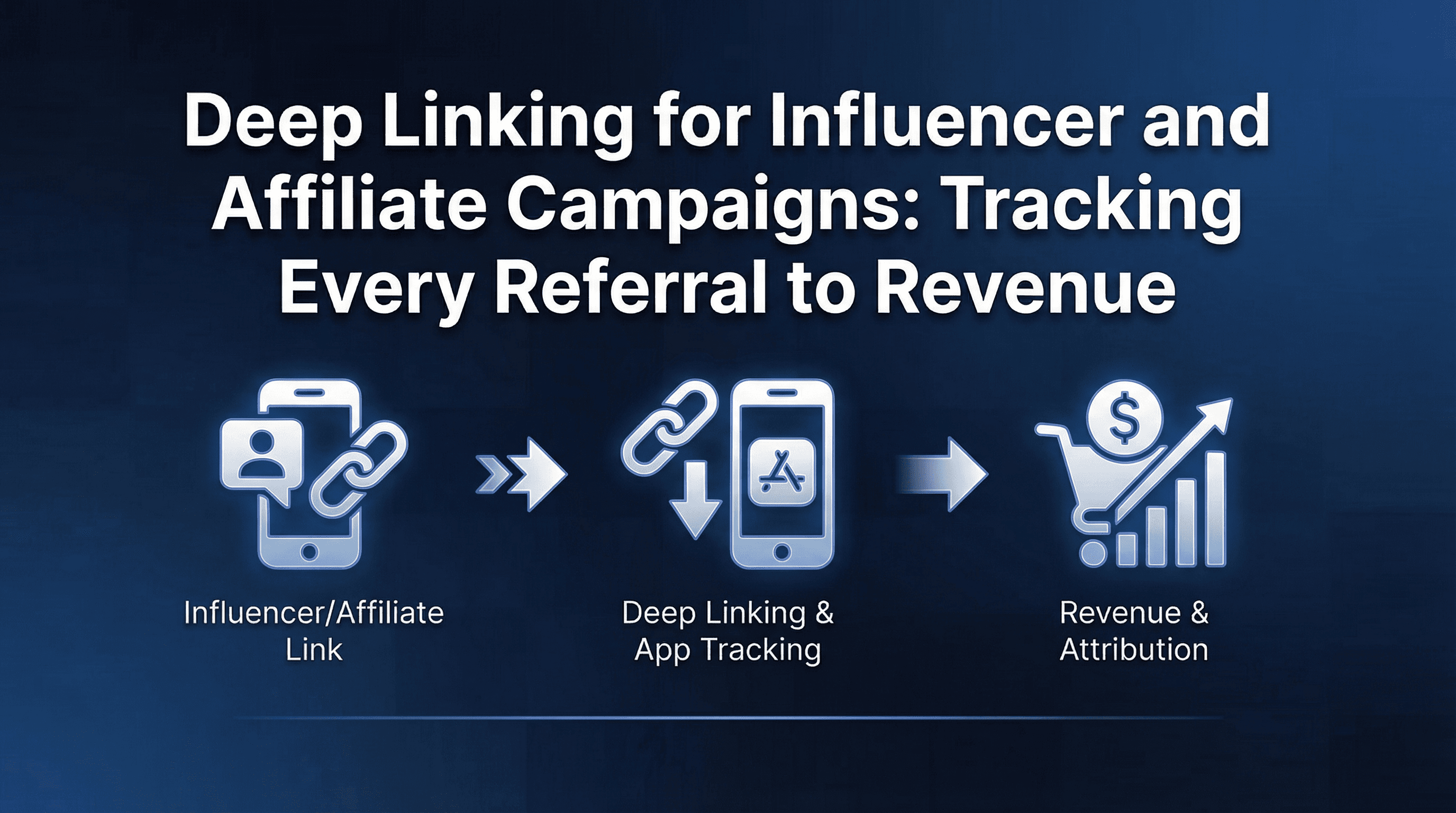
A creator posts an Instagram story recommending your app. Three thousand people swipe up. Your install numbers bump. But when you open your dashboard the next morning, those installs show up as "organic." No campaign source. No creator name. No way to know whether that creator drove ten paying users or ten thousand free-tier drop-offs.
This is the tracking gap that quietly undermines influencer and affiliate programmes. Paid ad channels like Meta and Google have mature postback infrastructure built over years. Creator and affiliate channels often get bolted on as an afterthought, tracked through UTM parameters that break on redirect, coupon codes that get shared beyond the intended audience, or spreadsheets reconciled manually at the end of the month.
The fix is not complicated, but it does require deliberate setup. Deep links, specifically dynamic deep links with per-partner parameters, close the gap between referral click and downstream revenue. This playbook covers how to set that up properly: generating unique links at scale, configuring attribution windows that match how creator content actually converts, connecting installs to purchases for commission calculation, and catching fraud before it inflates your payouts.
Why Influencer and Affiliate Attribution Is HARDER Than Paid UA
Paid ad attribution follows a predictable pattern. A user sees an ad, clicks, lands in the app store, installs, and completes an event. The entire journey happens within minutes or hours. The ad network and your MMP coordinate through postbacks, and both sides agree on what happened.
Influencer and affiliate campaigns break almost every part of that pattern.
The click surface is fragmented. A creator might share your link in an Instagram bio, a YouTube description, a WhatsApp message, a Telegram group, or a blog post. Each platform handles link redirects differently. Instagram's in-app browser strips parameters. YouTube truncates URLs. WhatsApp previews can cache old redirects. A single campaign might have five different technical behaviours depending on where the user clicks.
The conversion window is longer. Someone watches a YouTube review on Monday and installs the app the following weekend. If your attribution window is set to 24 hours (common for paid channels), you lose that install entirely and attribute it to organic.
There is no self-reported ad network. When a micro-influencer posts a story, nobody sends you a postback. The only way to connect that install to that creator is through the link itself, which means your deep linking setup needs to carry attribution data through the entire journey, including through the app store install flow.
How Deep Links Solve the Referral Tracking Problem
Standard tracking links for influencer campaigns work like this: generate a URL with UTM parameters, hand it to the creator, and hope the parameters survive. They often don't. App store redirects strip query parameters. In-app browsers lose referrer data. Even when UTMs survive, they only tell you "this user came from Instagram," not "this user came from creator X's story."
Dynamic deep links with deferred functionality solve this at the infrastructure level.
Parameter persistence through install. A deferred deep link preserves all campaign parameters (creator ID, campaign name, content type, placement) even when the user installs the app first. The SDK retrieves the original link data on first open. No parameters lost.
Platform-aware routing. A properly configured deep link detects the user's device and context, routing iOS users to the App Store via Universal Links, Android users via App Links, and existing users directly into the app. The creator shares one URL that works everywhere.
Granular attribution by default. Each deep link carries structured metadata (not just UTM strings), so you can attribute installs and downstream events to the specific creator, campaign, and content piece. This is the foundation for accurate commission calculation.
The practical difference: instead of knowing "47 installs came from influencer campaigns this week," you know "Creator A drove 23 installs from her YouTube review, 8 of those users made a purchase within 14 days, generating ₹34,000 in revenue at a 15% commission of ₹5,100."
Generating Unique Links Per Partner at Scale
The most common failure in influencer attribution is not a technical problem. It is an operational one. Teams create links manually, lose track of naming conventions, reuse the same link across creators, or forget to update parameters when campaigns change.
Here is the workflow that scales:
1. Define your parameter structure upfront. Before generating a single link, decide what metadata each link should carry. At minimum, you need: partner ID (unique identifier for each creator or affiliate), campaign name, content type (story, reel, video, bio link, blog), and platform (Instagram, YouTube, WhatsApp, Telegram). This structure should be consistent across every link you create.
2. Use dynamic link generation, not manual creation. If you are running campaigns with more than ten partners, manually creating links through a dashboard becomes unsustainable. Dynamic link creation through APIs or bulk generation tools lets you produce hundreds of unique links in minutes. Each link inherits your parameter structure automatically, and each is unique to the specific creator and placement.
3. Assign one link per creator per placement. A creator posting about your app on both Instagram and YouTube should have two separate links. This granularity matters when you need to evaluate which platforms drive the highest-quality users. It also prevents attribution contamination when a single creator drives traffic from multiple sources.
4. Maintain a partner link registry. Keep a single source of truth mapping every active link to its creator, campaign, platform, and creation date. This becomes essential for commission reconciliation, fraud investigation, and performance reporting. Teams that skip this step spend hours every month manually matching installs to partners.
Platforms like Linkrunner support dynamic link generation with custom parameters, making it straightforward to create and track hundreds of influencer links without manual spreadsheet management. The links carry attribution data through the install flow by default, so the operational burden stays low even as your partner count grows.
Vanity URLs and Branded Short Links for Creators
Creators care about aesthetics. A raw tracking URL with forty characters of query parameters looks like spam in an Instagram bio. Vanity URLs wrap your attribution infrastructure in a clean, memorable URL: yourapp.link/priya instead of a long parameterised string.
The attribution mechanics remain identical. The short URL redirects through your deep link infrastructure, preserves all parameters, and routes correctly.
Custom domains build trust. A link on your brand's domain (go.yourapp.com) converts better than a generic redirect domain and gives creators confidence the link is legitimate.
Keep vanity slugs unique and traceable. Without a registry, duplicate slugs break down quickly at scale.
QR code variants extend reach. The same deep link powering a vanity URL can generate a QR code for offline placements or events, with the attribution chain intact. This connects to the broader cross-platform attribution setup for QR and offline campaigns.
Attribution Windows for Influencer Content
This is where most influencer tracking setups break down silently. Teams apply the same attribution window they use for paid ads (typically 7-day click, 1-day view) to influencer campaigns, and then wonder why their creator programme shows poor ROI.
The consideration cycle for influencer-driven installs is fundamentally different from paid ads. Someone sees a Meta ad and either taps or scrolls past within seconds. Someone watches a ten-minute YouTube review, considers the app over several days, maybe watches a second creator's take, and then installs a week later.
Set longer click-through windows for creator content. For most influencer campaigns, a 14 to 30 day click-through window is more realistic than the standard 7-day window. The exact length depends on your vertical: fintech and travel apps with longer consideration cycles may need 30 days; gaming and social apps that convert on impulse might be fine at 14.
Separate windows by channel type. Your attribution window configuration should distinguish between paid and influencer sources. Apply a 7-day window to Meta campaigns and a 21-day window to influencer links. This prevents creator-driven installs from being misattributed as organic simply because they fell outside a window designed for a different conversion pattern.
Watch for re-engagement overlap. If a user clicks an influencer link but already has your app installed, the attribution logic needs to handle re-engagement correctly. Did this creator drive a dormant user back? Or was this user already active? Proper re-attribution settings prevent double-counting and give you an accurate picture of incremental value.
Validate with cohort analysis. After 4 to 6 weeks, pull install-date cohorts segmented by influencer vs. paid vs. organic. Compare D7 and D14 retention and revenue per user. If influencer cohorts show similar quality to paid, your windows are calibrated correctly. If they look suspiciously close to organic, your windows may be too short.
Revenue Tracking and Commission Calculation
Attribution without revenue connection is just a vanity report. The entire point of tracking influencer installs is to answer: "Did this creator drive profitable users?"
Map revenue events to attributed installs. Your MMP should connect post-install revenue events (purchases, subscriptions, in-app purchases) back to the original attribution source. When a user attributed to Creator A makes a ₹500 purchase on Day 12, that revenue should be visible under Creator A's performance.
Define commission structures before launch. The three common models are: cost per install (flat fee, simplest but misaligned with quality), revenue share (percentage of referred user revenue, best alignment but harder to track), and hybrid (small CPI plus revenue share above a threshold). Revenue share models require accurate, trusted attribution data because you are paying real money based on what the data says.
Set commission windows explicitly. A 30-day window means you pay for revenue generated within 30 days of install. A 90-day window captures more lifetime value but increases payout commitment. Match this to your payback period.
Reconcile monthly, not quarterly. Slow payouts kill affiliate relationships. Automate reporting so creators see earnings in near real-time, even if actual payouts happen monthly.
For a deeper framework on connecting campaign spend to revenue, the complete marketing ROI measurement guide covers the attribution-to-revenue pipeline in detail.
Fraud Prevention in Affiliate Programmes
Affiliate fraud is not a hypothetical risk. It is a measurable budget drain that scales with your programme. The more you pay per install or per revenue event, the higher the incentive to game the system.
Click injection. Malicious apps detect when a user is about to install your app and fire a fake click milliseconds before. The install gets attributed to the fraudulent affiliate. Signal: impossibly short click-to-install times (under 2 seconds) from specific partners.
Device farms. Coordinated groups of devices repeatedly install through affiliate links, complete minimum events, then reset. Signal: clusters from narrow IP ranges, identical device models, users who never return after Day 1.
Self-attribution. A creator uses their own link on multiple personal devices. Low-volume but distorts performance data. Signal: low downstream revenue combined with unusual geographic concentration.
Click spam. Bots fire thousands of fake clicks hoping organic installs fall within the attribution window. Signal: abnormally high click volumes with very low conversion rates (under 0.01%).
How to protect your programme:
Monitor click-to-install time distributions. Legitimate installs from creator content typically have click-to-install times of 30 seconds to several days. Anything under 5 seconds from non-paid sources warrants investigation.
Set minimum event thresholds for payouts. Do not pay on install alone. Require at least one meaningful post-install event (account creation, first session longer than 60 seconds, or first purchase) before crediting the affiliate. This makes device farm fraud significantly more expensive to execute.
Run cohort quality checks weekly. Compare D1 and D7 retention of affiliate-driven installs against your organic baseline. If a partner's users retain at less than 50% of your organic rate, flag for review.
Use SDK signing and server-side validation. SDK-level signing ensures that install events originate from your actual app binary, not from spoofed requests. Server-side event validation confirms that reported events correspond to real user sessions.
Review outlier partners monthly. Sort affiliates by volume and by downstream revenue per install. Partners with high volume but near-zero revenue are either low quality or fraudulent. Both warrant a conversation before continuing payouts.
AI-powered fraud detection, including behavioural analysis and pattern matching across install clusters, is becoming essential as fraud techniques grow more sophisticated. Platforms with built-in fraud detection layers can catch anomalies that manual audits miss.
Putting It All Together: The Operational Checklist
Before launching your next influencer or affiliate campaign, validate these seven items:
Every partner has a unique deep link with structured metadata (partner ID, campaign, platform, content type).
Links are deferred by default, preserving attribution through the app store install flow.
Attribution windows are set to 14 to 30 days for creator sources, separate from paid channel windows.
Post-install revenue events (purchase, subscription, key activation) are mapped and flowing to your attribution platform.
Commission structure and windows are defined, documented, and communicated to partners.
Fraud detection rules are active: click-to-install time monitoring, event thresholds for payouts, and weekly cohort quality checks.
A partner link registry exists, mapping every active link to its creator, campaign, and status.
FAQ
Do I need an MMP to track influencer campaigns, or can I use UTMs?
UTMs work for web campaigns where the user stays in a browser. For app install campaigns, UTMs frequently break during the redirect from browser to app store to app. An MMP with deep linking preserves attribution data through the entire flow, including deferred installs where the user needs to visit the store first.
How many links should I create per influencer?
One link per creator per platform per campaign. If a creator posts on both Instagram and YouTube for the same campaign, create two links. This granularity lets you measure which placements drive the best results and prevents attribution blending.
What attribution window should I use for influencer campaigns?
Start with 14 days for short-form content (stories, reels) and 21 to 30 days for long-form content (YouTube reviews, blog posts). Validate after 4 to 6 weeks by comparing influencer cohort quality against paid and organic baselines.
Can I track influencer campaigns alongside paid UA in the same dashboard?
Yes. The advantage of using deep links with your MMP is that influencer installs, paid installs, and organic installs all appear in the same attribution dashboard with consistent metrics. This lets you compare true ROI across channels without reconciling separate data sources.
Influencer and affiliate channels are among the highest-ROI acquisition sources for mobile apps, but only when the tracking infrastructure matches the complexity of how these channels actually convert. Deep links with per-partner attribution, calibrated windows, revenue connection, and fraud checks turn a channel that "feels like it's working" into one where you can prove the numbers.
If your team is scaling creator partnerships and needs dynamic link generation with built-in attribution, configurable windows, and fraud protection without spreadsheet reconciliation, request a demo from Linkrunner to see how the workflow operates in practice.