
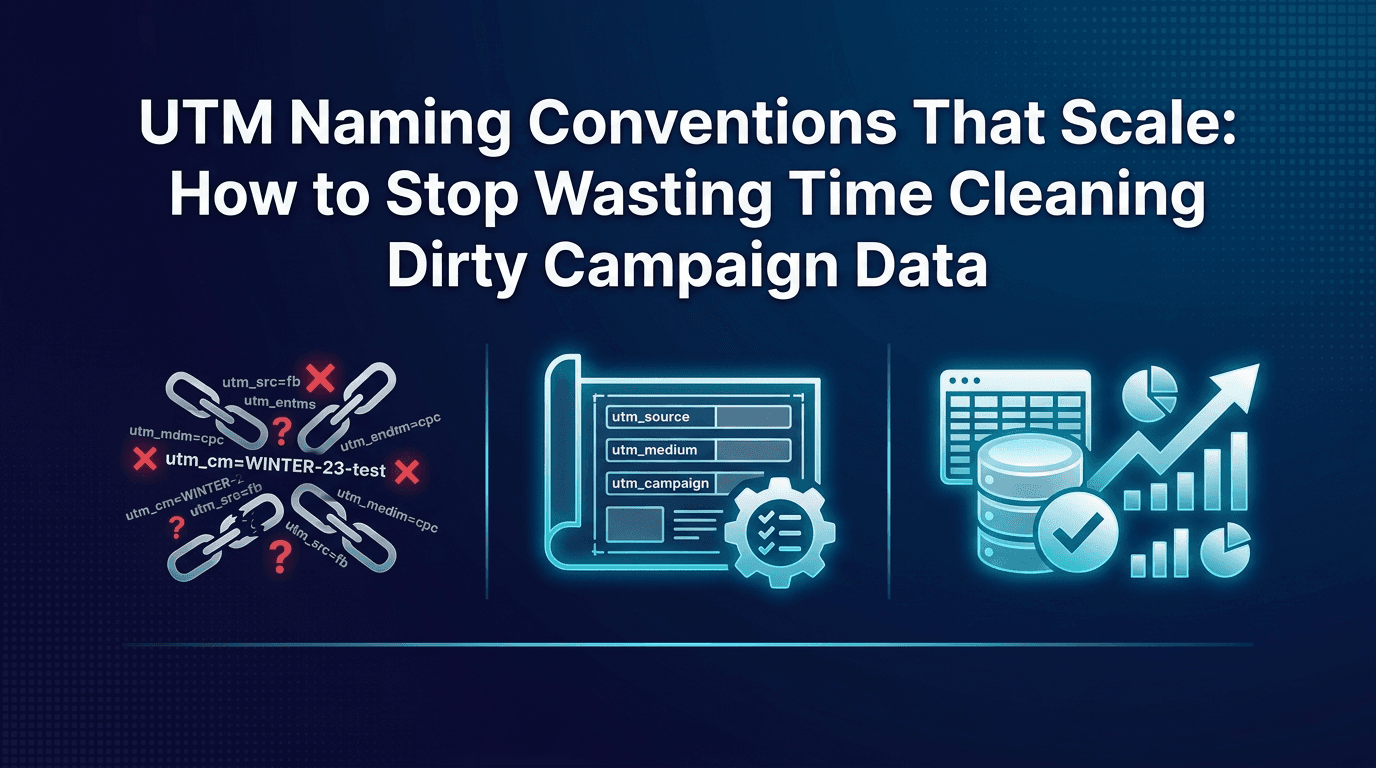
Across attribution audits, the single most common data quality issue isn't tracking failures or SDK bugs. It's inconsistent UTM naming. One team member writes meta_retargeting_q1, another writes Meta-Retargeting-Q1-2026, and your dashboard treats them as two separate campaigns. By the end of the quarter, your reports are full of duplicate entries, your filters break constantly, and you spend more time fixing data than analysing it. The worse part: this problem compounds with every new team member and every new channel you add.
Clean UTM naming isn't a detail. It's the difference between a dataset you can trust and one you have to clean manually every month.
Why UTM Chaos Is the Biggest Productivity Killer in Mobile Marketing
Inconsistent UTM naming creates ripple effects across your entire attribution workflow. Your ROAS reports show the same campaign under five different names. Your filters don't work reliably because you're searching for variants that may or may not exist. You can't compare performance week-over-week because naming changed mid-quarter. Teams manually group campaigns in spreadsheets to make sense of the data, and that grouping logic lives nowhere but in someone's head.
This gets exponentially worse as you scale. A solo marketer with 5 campaigns might get away with loose naming. A team running 40 campaigns across three channels cannot.
The Anatomy of a Scalable UTM Naming Convention
A scalable naming convention mirrors how you structure your event taxonomy. For deeper context on how to design scalable taxonomies, read The Complete Event Taxonomy Implementation Guide From Planning to Validation.
A scalable convention uses five parameters in a consistent order, with clear rules:
Source: Where the user came from (meta, google, tiktok, organic, influencer, qr)
Medium: The type of interaction (paid, cpc, cpm, organic, referral)
Campaign: The strategic objective (retargeting, lau, brand, engagement)
Content: The creative or audience variant (audience-segment, video-type, or test-number)
Term: Optional; used for search keywords or A/B test labels
Universal format:[channel]_[objective]_[audience]_[creative-variant]_[date]
Example:meta_retargeting_high-value_video-v2_jan2026
Key rules:Lowercase only, no spaces, underscores only (no hyphens, no mixed case)
Date as suffix when relevant (month-year, never day-level)
Campaign parameter acts as your bridge to the MMP; this field appears in your dashboard
If a parameter doesn't apply, omit it rather than using "na" or "none"
Channel-Specific Naming Templates
Different channels require different cardinality in naming.
Meta Ads: meta_[objective]_[audience]_[creative]_[date]
Example: meta_lau_lookalike1_reels_jan2026
Align your UTM campaign name with Meta's campaign name where possible so your reports match.
Google UAC: google_[objective]_[asset-set]_[date]
Example: google_lau_assets-a_mar2026
Google's campaign API provides limited granularity, so keep UTM naming tighter here.
TikTok: tiktok_[objective]_[audience]_[format]_[date]
Example: tiktok_retargeting_highvalue_intrask_mar2026
Influencer campaigns: influencer_[creator-tier]_[product]_[month]
Example: influencer_nano_fintech-signup_jan2026
Organic/referral: organic_[source]_[context] (no date needed)
Example: organic_appstore_featured, organic_website_homepage
How to Enforce Naming Conventions Without Slowing Down Your Team
Create a shared naming reference: a Notion database or Google Doc that lists every valid value for each parameter. Make it the single source of truth for the team.
Better yet, enforce naming at link creation time. If you're using a tool like Linkrunner that builds campaign links, the naming convention can be enforced at generation. A marketer enters the objective, audience, and creative variant, and the tool auto-generates the UTM slug following your convention. No manual typing. No variance.
For existing processes, run a monthly audit: search your MMP for non-conforming UTMs and flag them. Correct them immediately or group them in reporting so historical data stays clean. For deeper guidance on data quality, see Your Marketing Team is Tracking Too Many Events and It's Hurting Your Ad Performance.
Handling Legacy Data: Cleaning Up Existing UTM Mess
If you've been running campaigns without a convention, you'll have a backlog of inconsistent names. Don't try to retroactively rename them in your raw data; that's error-prone.
Instead, create an alias or grouping layer in your MMP or BI tool. Map old campaign names to canonical names. For example, all variants of retargeting (meta_retargeting_q1, Meta Retargeting Q1, meta_retargeting, etc.) map to a single reporting category called meta_retargeting.
Draw a line in the sand: choose a start date (e.g., April 1st 2026) when you enforce strict naming. All campaigns from that date forward follow the convention. Historical data uses the alias layer.
How Your UTM Convention Connects to Your MMP and Ad Platforms
Your UTM campaign parameter is the bridge between your link and your attribution dashboard. Make sure the values you use in UTM naming also appear in your MMP's campaign field. Run 10 Data Quality Checks to Run on Your MMP Every Month as part of your monthly validation to ensure UTM consistency is maintained.
Linkrunner's campaign link creation enforces consistent naming at the point of link generation, meaning every link your team creates follows your convention by default. No variance leaks in. That consistency flows directly into your attribution reports, and your dashboard stays clean as your team and spend grow.
Validate your setup: create a test campaign, generate a link, and confirm that the UTM value appears correctly in your MMP dashboard within 24 hours.
FAQ
Q: What's the best UTM naming format for mobile app campaigns?
The format we've outlined, [channel]_[objective]_[audience]_[creative]_[date] in lowercase with underscores, works across channels and scales with team growth. The critical rule is consistency: pick a format, document it, and enforce it at link creation rather than hoping team members remember.
Q: How do I handle UTM naming when multiple team members create campaign links?
Centralise link creation in a tool like Linkrunner where naming is enforced at generation time, or require all team members to copy a naming template before creating links. A shared Notion database with dropdown menus for each parameter removes ambiguity and prevents typos.
Q: Should I include dates in my UTM campaign names?
Yes, as a suffix when the campaign is time-bound (quarterly tests, seasonal promotions). Omit dates for always-on campaigns (brand awareness, organic channels). This keeps your naming semantic and queryable without bloating your parameter length.
Q: How do I clean up inconsistent UTMs that are already in my MMP data?
Don't rename raw data. Create a grouping or alias layer in your MMP or BI tool that maps variants to a canonical name. This preserves historical data integrity while cleaning your reports. From that point forward, enforce naming strictly on new campaigns.
Next Steps
Start with a 30-minute workshop with your team: decide on your five naming rules, document them in a shared place, and pick a start date for enforcement. Then implement link generation in a way that makes breaking the convention difficult or impossible.
If you're looking to unify your attribution and deep linking setup while keeping campaign naming clean, request a demo from Linkrunner. Campaign link creation with built-in naming validation means your team stays consistent without friction.