
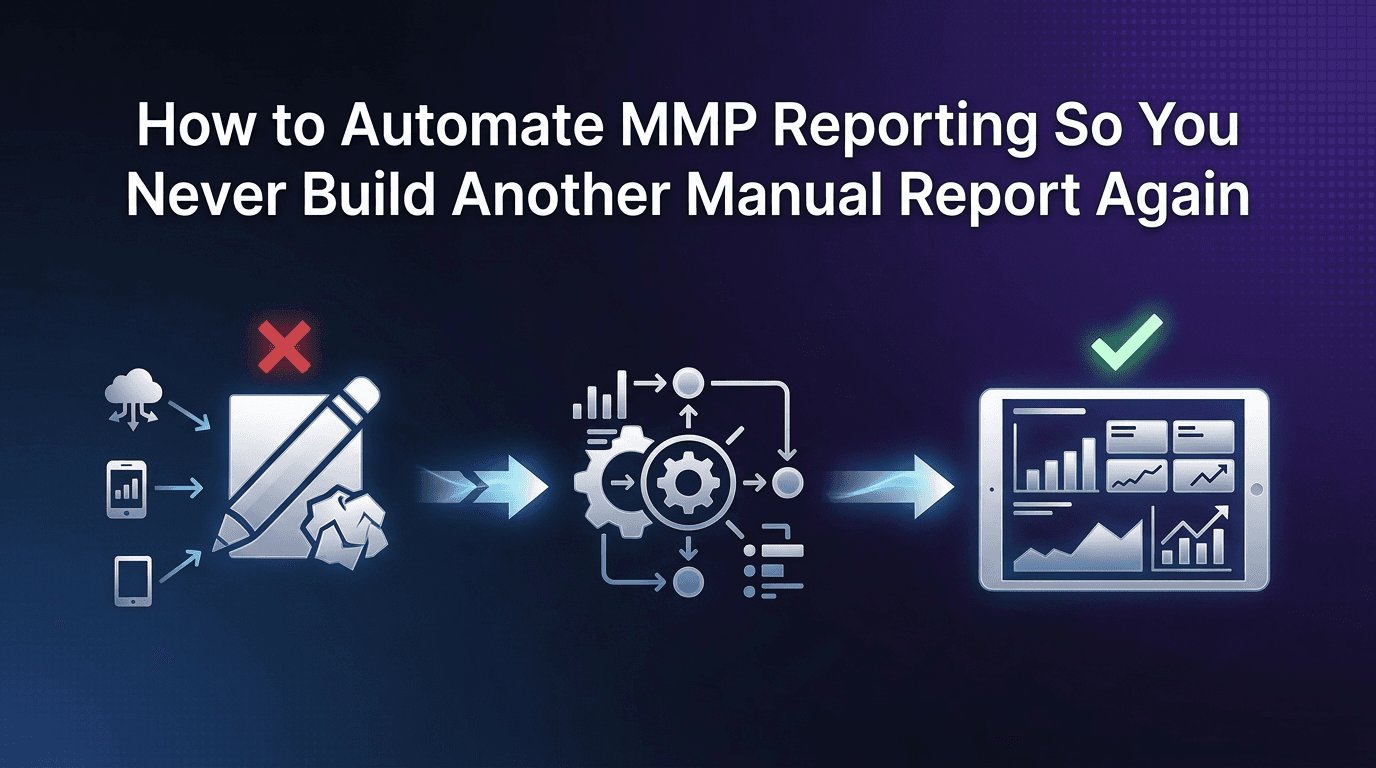
Across dozens of growth teams we've worked with, the same pattern surfaces: the most analytically capable marketer on the team spends 4-6 hours every week building reports. Not analysing data. Not optimising campaigns. Building reports.
Monday morning: pull last week's numbers from the MMP, cross-reference with ad platform spend, paste into a Google Sheet, format the tables, add commentary, share with the team. Month-end: repeat the entire exercise at a larger scale for leadership. The reports are valuable. The process of building them manually, every single time, is not.
The most productive teams eliminated this cycle entirely. Their reports update themselves. Here's how to get there, regardless of your team size or budget.
The Real Cost of Manual Reporting
Manual report assembly isn't just a time problem. It's a compounding inefficiency:
Time: 4-6 hours/week on assembly alone. That's 200+ hours/year spent on a task a machine should handle.
Errors: Copy-paste between platforms introduces mistakes. A misaligned date range or a missed campaign can quietly distort your ROAS picture for weeks.
Opportunity cost: Every hour spent formatting a spreadsheet is an hour not spent on creative testing, channel expansion, or building dashboards that drive actual decisions.
Bottleneck risk: If the report-builder goes on holiday or leaves the company, the reporting process breaks.
What "Automated Reporting" Actually Means
Automation isn't binary. It's a spectrum, and you should match your level to your team's size and data maturity:
Level 1: Scheduled email reports from your MMP. Minimal setup, good for small teams.
Level 2: Webhook and API pipelines pushing data to Slack, Google Sheets, or Notion. Moderate setup, good for growing teams.
Level 3: BI tool integration with BigQuery, Redshift, or Looker. Higher setup cost, necessary for teams spending Rs20L+/month with complex reporting needs.
Most teams should start at Level 1 and graduate upward only when the simpler approach stops meeting their needs.
Level 1: Scheduled Dashboard Reports
This is the fastest win and requires zero engineering:
Set up a daily email summary from your MMP with: total spend, total installs, blended CPI, blended ROAS, and top 5 campaigns by spend
Set up a weekly email with a deeper cut: channel-level ROAS, week-over-week trends, and cohort performance
Segment by audience: Your UA team needs campaign-level detail. Finance needs spend and ROAS. Leadership needs topline growth. Send different reports to different groups.
For guidance on what metrics belong in each audience's report, the guide on building executive attribution reports that actually get read breaks this down by stakeholder type.
Level 2: Webhook and API Pipelines
When scheduled emails aren't enough (usually because stakeholders want real-time data or custom formats), move to push-based automation:
Slack integration: Push a daily performance summary into a dedicated #ua-metrics channel. Include blended CPI, ROAS, and any alerts that fired. Team members check the channel instead of pinging you.
Google Sheets via API: Connect your MMP's data API to a live spreadsheet. Numbers update automatically. No copy-paste.
Notion database sync: For teams that run their ops in Notion, push campaign-level data into a Notion database that updates daily.
The key principle: data should flow from your MMP to its destination without you touching it. Every manual step you remove is a step that can't introduce errors or cost you time.
Level 3: BI Tool Integration
For teams spending Rs20L+/month across multiple channels, a BI layer adds value that an MMP dashboard alone can't provide:
Cross-source joins: Combine MMP attribution data with CRM data, revenue from your backend, and spend from ad platforms into one unified view
Custom visualisations: Build dashboards tailored to specific business questions that go beyond standard MMP charts
Historical analysis: Query months or years of data without MMP UI limitations
To connect the pieces, merging MMP analytics with marketing intelligence workflows walks through the architecture in detail.
When you don't need Level 3:Your monthly spend is under Rs10L
Your team has fewer than 3 marketers
Your MMP dashboard already answers 90% of your questions
Don't over-engineer. A simple scheduled report that runs reliably beats a complex BI pipeline that nobody maintains.
The "Report Request Deflection" Playbook
Automated reports solve the creation problem. But you also need to solve the request problem: stakeholders pinging you for "a quick pull."
Give stakeholders their own saved views in your MMP. Finance gets a spend + ROAS view. Product gets a retention + activation view. Leadership gets a topline summary.
Share direct links to these saved views so stakeholders can check numbers themselves before asking you.
Set expectations: "This view updates daily. Check here first. If you need something it doesn't cover, let me know and I'll add it to the next template refresh."
This shifts reporting from "push" (you build and send) to "pull" (they check when they need to). The result: fewer interruptions, faster access for stakeholders, and more time for you to do actual marketing work.
Maintenance: Keeping Automated Reports Accurate
Automated reports can drift out of accuracy if you don't maintain them. Build a monthly check:
Campaign coverage: Are new campaigns and channels included in the report filters?
Event taxonomy alignment: If your team added or renamed events, update the report templates to match
Stakeholder relevance: Ask each stakeholder group once per quarter: "Is this report still giving you what you need?"
Error check: Spot-check one week's automated report against a manual pull. If the numbers match, your automation is healthy.
Linkrunner's unrestricted API, webhook, and CSV exports make automation straightforward. There are no export fees, no API rate limits designed to push you toward an enterprise tier, and no seat restrictions on who can access the data. Whether you're piping data to Slack, Sheets, or BigQuery, the data flows freely. If you're ready to eliminate manual reporting from your workflow, request a demo and see how it fits.
FAQ
How much engineering time does it take to set up automated MMP reporting?
Level 1 (scheduled emails) requires zero engineering. Level 2 (webhooks to Slack or Sheets) typically takes 1.5 hours of developer time for initial setup. Level 3 (BI integration) varies from 1-2 days for basic BigQuery connections to a week for full custom dashboards.
Can I automate reporting without a BI tool like Looker or Tableau?
Absolutely. Most teams get 80-90% of their reporting needs covered with scheduled MMP emails and a webhook-to-Slack setup. BI tools only become necessary when you need to join MMP data with other sources (CRM, backend revenue, customer support data).
What's the simplest way to send a daily ROAS summary to Slack?
Set up a webhook from your MMP that fires once daily with blended ROAS, total spend, and total installs. Most MMPs support this natively. Linkrunner's webhook setup takes under 30 minutes.
How do I handle stakeholders who want custom report cuts?
Build the most-requested cuts as saved views and share direct links. For truly one-off requests, agree on a "request window" (e.g., Tuesdays) so they don't disrupt your daily workflow.