
You're spending ₹50 lakh a month acquiring OTT app users. Your dashboard shows 100,000 installs. But when you try to calculate which campaigns actually drove subscribers who stuck around past the free trial, you hit a wall. Your analytics show app opens and screen views, but nothing about whether users actually watched content, binged shows, or converted to paying subscribers.
This is the measurement gap killing OTT growth teams. Generic event tracking (app_open, screen_view, button_click) measures activity, not engagement depth. A user who opens your app 15 times but never finishes a single episode isn't engaged, they're confused or disappointed. Meanwhile, a user who watches three episodes in their first session is giving you a clear retention signal, but most teams miss it entirely.
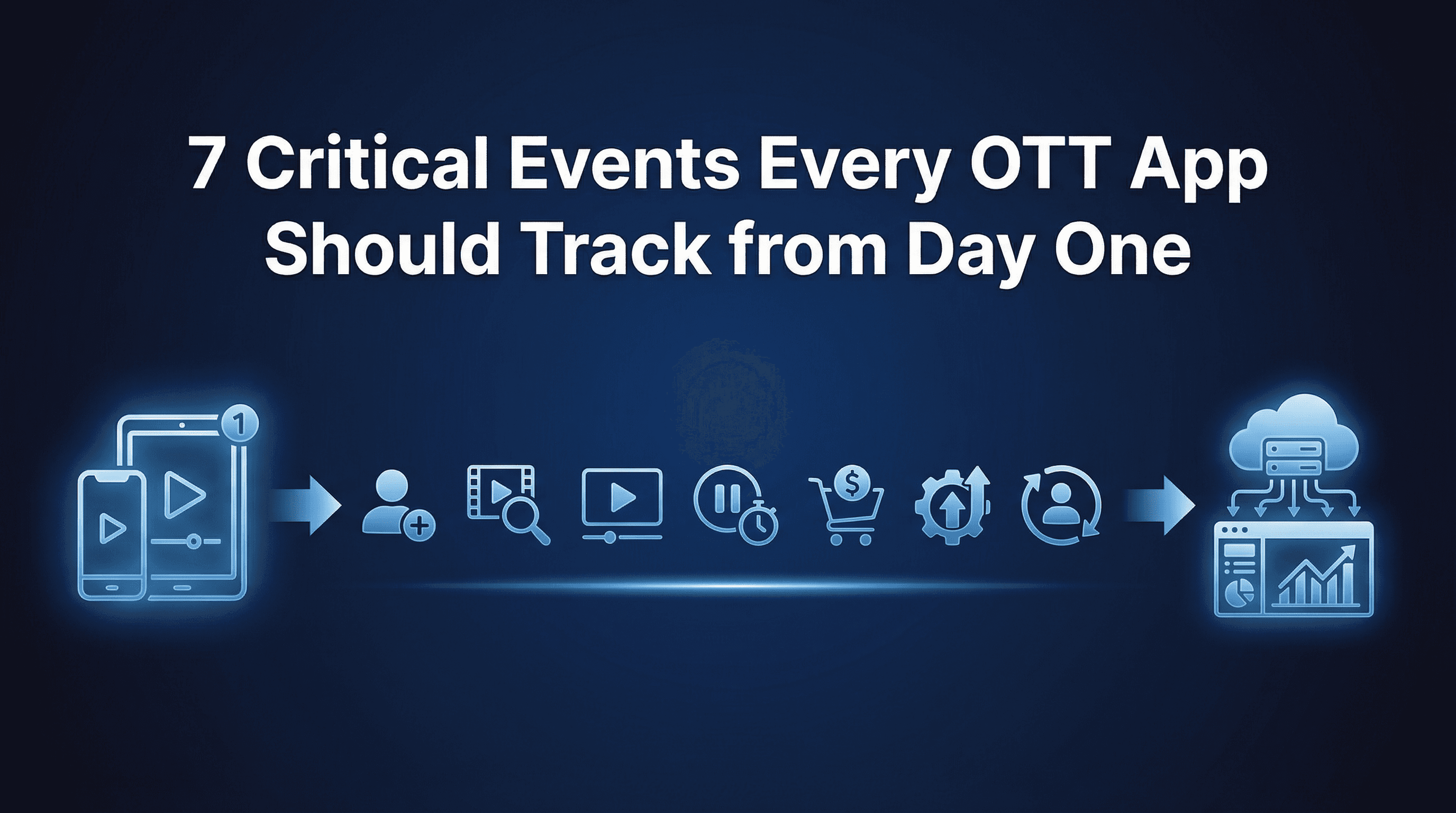
Here's what actually matters for OTT apps: content consumption depth, subscription conversion timing, and churn prediction signals. This guide breaks down the 7 events that separate profitable OTT growth from vanity metric hell.
Why Generic Event Tracking Fails for OTT Apps
Most OTT teams inherit their event taxonomy from generic mobile analytics guides. They track installs, app opens, and screen views, then wonder why their retention models don't predict churn and their UA spend keeps climbing without improving unit economics.
The problem is simple: OTT apps aren't utility apps. Users don't open Netflix to check their balance or complete a transaction. They come to consume content, and content consumption has unique measurement requirements that generic events ignore completely.
The subscription illusion: Many OTT apps offer free trials (7 days, 14 days, 30 days). Install-to-trial conversion looks strong at 40-60%, making acquisition appear efficient. But trial-to-paid conversion tells the real story, typically 15-25%. If you're only tracking installs and trial starts without measuring content engagement depth, you can't predict which trial users will convert to paying subscribers. You're optimising ad spend toward users who churn before their first payment.
Event #1: First Video Played (Activation Moment)
What it is: The moment a user successfully starts playing any video content, regardless of duration watched. This is your true activation event.
Why it matters: First video played is the clearest signal that a user understands your value proposition and has overcome initial friction (account creation, content discovery, player loading). Users who never play a video will never convert to paying subscribers, making this event the gateway to all downstream value.
Track this event with these parameters:
video_id: Unique identifier for the content
content_type: Movie, series episode, documentary, short-form
genre: Drama, comedy, thriller, sports, kids
time_to_first_play: Seconds from install to first video start
source: Recommendation, search, banner, continue watching
Implementation detail: Fire this event when video playback actually begins (not when the user taps play, which might fail due to buffering or errors). Use your video player's playback_started callback to ensure accuracy.
The 24-hour window: Users who play their first video within 24 hours of install have 4-7× higher 30-day retention than those who delay. This window is your primary activation metric. If fewer than 40% of installs play a video within 24 hours, you have either a discovery problem (users can't find content they want) or a technical problem (buffering, login friction, payment confusion).
OTT apps should send first_video_played as a postback event to Meta, Google, and TikTok. Optimise campaigns toward this activation milestone, not just installs or trial starts. Platforms that can drive users who actually engage with content deliver better lifetime value, even if their cost per install appears higher initially.
Event #2: Video Completed (Content Quality Validation)
What it is: User watched at least 90% of a video's total duration. This validates that your content matched user intent and quality expectations.
Why it matters: Completion rate predicts retention and subscription conversion better than any other single metric. Users who complete at least one video in their first week have 3-5× higher trial-to-paid conversion than users who start videos but abandon them.
Track this event with these parameters:
video_id: Content identifier
completion_percentage: Actual percentage watched (95%, 98%, 100%)
watch_duration_seconds: Total time spent watching
session_number: First session, second session, etc.
device_type: Mobile, tablet, TV, web
The 90% threshold: Most users don't watch credits or post-episode scenes. Setting completion at 90% captures engaged viewers without penalising normal drop-off. Adjust this threshold based on your content type: short-form content (under 10 minutes) should use 95%, feature films might use 85%.
Early completion signal: Users who complete a video in their first session are 12× more likely to become paying subscribers than users who only sample content. This makes video_completed one of your most valuable revenue prediction events.
For attribution purposes, send video_completed as a value event (not just a binary completion). Pass completion_percentage and watch_duration_seconds as event parameters so ad platforms can optimise toward users who actually finish content, not just users who press play and leave.
Event #3: Binge Session (High Engagement Signal)
What it is: User watches 3+ episodes or videos in a single session without exiting the app. This is your strongest engagement and retention predictor.
Why it matters: Binge behaviour indicates content-market fit. Users don't binge shows they find mediocre. They binge when your content matches their preferences so well they want more immediately. Binge sessions in the first 7 days predict 90-day retention with 84% accuracy.
Track this event with these parameters:
episodes_watched: Count of videos in session
total_watch_time_minutes: Cumulative duration
series_id: If applicable, which show they binged
session_start_time: When binge began
interruptions: How many times playback paused
The binge threshold: Three episodes is the standard benchmark because it represents deliberate continued engagement, not accidental autoplay. Users who watch one episode might be sampling. Users who watch two might be giving your content a fair chance. Users who watch three are hooked.
A streaming platform we audited discovered that users who binged in their first 48 hours had a 71% trial-to-paid conversion rate, compared to 14% for users who watched sporadically. They shifted their entire UA strategy to optimise toward binge_session events, not just installs.
Autoplay considerations: If your app uses autoplay (next episode starts automatically), validate that users are actually watching, not just leaving the app running. Track active_viewing (user interaction within the last 60 seconds) to distinguish genuine binge sessions from background playback.
Send binge_session as a high-value postback event. Campaigns that drive users who binge are worth 2-4× more than campaigns that drive casual samplers, even if their upfront cost per install is higher.
Event #4: Search Performed (Active Discovery Intent)
What it is: User actively searches for specific content by title, actor, genre, or keyword. This indicates intent-driven engagement, not passive browsing.
Why it matters: Search behaviour separates intentional users from passive scrollers. Users who search are looking for something specific, which means they're invested enough to actively navigate your catalogue. Search users have 2-3× higher engagement depth and better retention than browse-only users.
Track this event with these parameters:
search_query: Exact search term entered
results_returned: Number of results shown
result_selected: Whether user clicked a result
time_to_first_search: Seconds from install to first search
search_source: Home screen, mid-session, browse abandonment
Discovery friction indicator: If fewer than 15% of active users ever perform a search, you have a discovery problem. Either your browse experience is so good that search isn't needed (rare), or users can't find what they want and churn instead of searching (common).
Search-to-play conversion: The percentage of searches that result in video playback within 2 minutes reveals catalogue depth. If users search but don't find playable content, you're losing high-intent viewers. Aim for 60%+ search-to-play conversion.
For retention modelling, users who search in their first session are 4× more likely to remain active after 30 days. This makes search_performed a valuable early retention predictor.
Event #5: Premium Subscription Started (Monetisation Conversion)
What it is: User completes payment and activates a paid subscription (monthly, yearly, or other billing cycle). This is your primary revenue event.
Why it matters: Everything in OTT ultimately drives toward subscription conversion. This event validates that users found enough value in your content to commit financially. It's also your primary ROAS calculation anchor.
Track this event with these parameters:
subscription_tier: Basic, standard, premium
billing_frequency: Monthly, yearly, quarterly
revenue_amount: Actual payment value in INR
payment_method: Card, UPI, wallet, net banking
trial_duration: How many days of trial preceded payment
install_to_paid_days: Time from install to subscription
Critical implementation note: Always validate subscription events server-side using app store receipts (iOS) or purchase tokens (Android). Client-side subscription events are vulnerable to fraud and refunds. Only fire subscription_started postbacks after server-side validation confirms payment.
Trial vs immediate paid: Track whether users subscribed after a free trial or paid immediately. Trial-to-paid users typically have 20-30% higher LTV because the trial period allowed them to validate content fit. Immediate paid users show high intent but might churn faster if expectations aren't met.
ROAS calculation anchor: This event should include revenue_amount as a parameter. Your MMP uses this to calculate ROAS at the campaign level. Without accurate revenue attribution, you're flying blind on unit economics.
For attribution windows, OTT subscriptions typically occur 7-14 days post-install (after free trial). Set your attribution window to at least 14 days to capture trial conversions. Some apps extend to 30 days to account for users who delay trial activation.
Event #6: Download for Offline (Sticky Feature Adoption)
What it is: User downloads video content for offline viewing. This indicates intent to watch outside WiFi connectivity and signals strong retention likelihood.
Why it matters: Download behaviour predicts long-term retention better than almost any other engagement metric. Users don't download content for apps they're considering abandoning. Downloads signal intent to continue engagement in situations where streaming isn't possible (flights, commutes, travel).
Track this event with these parameters:
video_id: Content downloaded
download_size_mb: File size
download_quality: SD, HD, 4K
storage_available: Device storage after download
wifi_status: Downloaded on WiFi or mobile data
Retention predictor: Users who download content within their first 14 days have 6-8× better 90-day retention than users who only stream. Downloads indicate users are planning future engagement, not just casual sampling.
Feature adoption rate: If fewer than 5% of active users ever download content, you have either a feature discovery problem (users don't know downloads are possible) or a value problem (your catalogue doesn't include content worth downloading).
A documentary streaming app found that users who downloaded content in their first week had an 82% chance of remaining active subscribers after 6 months, compared to 19% for stream-only users. They started prominently surfacing download options during onboarding, increasing feature adoption from 4% to 18% and improving cohort retention by 34%.
Event #7: Share Content (Viral Growth Signal)
What it is: User shares video content via social media, messaging apps, or direct links. This is both an engagement signal and a growth multiplier.
Why it matters: Share behaviour indicates high satisfaction. Users share content they genuinely enjoyed, which serves dual purposes: it validates content quality and drives organic acquisition through word-of-mouth referrals.
Track this event with these parameters:
video_id: Content shared
share_platform: WhatsApp, Instagram, Twitter, link copy
share_source: In-player, browse screen, post-watch
recipient_count: How many people received share
subsequent_installs: Did share drive new users
Viral coefficient calculation: Measure how many shares result in new installs attributed to referral links. Apps with strong content-market fit see 8-12% of shares convert to installs. This organic acquisition compounds paid UA efforts.
Content quality indicator: Track which content gets shared most frequently. High-share content reveals what resonates with your audience and should inform content acquisition or production decisions. If certain genres or series drive 10× more shares, double down on similar content.
Referral attribution: Implement deep links for shares so you can attribute installs back to the original sharer. This creates a complete referral loop: content_shared → install_from_referral → first_video_played → subscription_started. Users acquired through shares typically have 30-40% better retention than paid UA users because they arrive with social proof validation.
Attribution Windows for OTT: The 7-Day Free Trial Standard
OTT apps face unique attribution challenges because of free trial periods. Most apps offer 7-14 day trials, meaning subscription conversion happens well after install. This requires longer attribution windows than utility apps that monetise immediately.
Standard window configuration:
Install to first video played: 24 hours (activation window)
Install to trial start: 3 days (consideration window)
Install to paid subscription: 14-30 days (conversion window)
Install to repeat subscription: 60-90 days (retention window)
Why longer windows matter: If you're only tracking 7-day attribution windows, you're missing trial users who convert on day 10-14. A streaming app using 7-day windows attributed only 60% of their paid subscriptions to marketing campaigns. When they extended to 14-day windows, attribution coverage increased to 89%, revealing which campaigns actually drove paying subscribers.
SKAN considerations for iOS: SKAdNetwork's conversion value window is 3 days by default. For OTT apps with 7-14 day trials, this creates measurement gaps. Configure SKAN to prioritise early engagement signals (first_video_played, binge_session) as conversion value mapping, not just trial starts or subscriptions that occur outside the measurement window.
Common Implementation Mistakes to Avoid
Most OTT teams make predictable errors when implementing event tracking. Here's what to watch out for:
Tracking player opens instead of actual playback: Don't fire first_video_played when users tap the play button. Fire it when video actually begins playing. Buffering errors, payment walls, and geo-restrictions can prevent playback even after a tap, creating false activation signals.
Ignoring video quality in completion tracking: A user who watches a 30-second video to completion is less engaged than a user who watches 90% of a 90-minute film. Track watch_duration_minutes alongside completion_percentage to measure true engagement depth.
Missing subscription refunds and trial cancellations: Users can subscribe then immediately cancel before the trial ends, or request refunds after payment. Track subscription_cancelled and subscription_refunded events to maintain accurate revenue attribution.
Forgetting web-to-app attribution: Many OTT apps drive significant web traffic (SEO, social, affiliates). Users might browse content on web, then install the app to watch. Without web-to-app attribution, you're undercounting campaigns that drive awareness before app conversion.
Not tracking content metadata: Simply logging "video played" without genre, content type, or series information prevents you from understanding which content drives retention. Always include rich metadata in event parameters.
How Linkrunner Simplifies OTT Event Tracking
Setting up comprehensive event tracking for OTT apps is complex, but platforms like Linkrunner reduce implementation time from weeks to hours. Here's how:
Linkrunner's SDK automatically captures standard mobile app events (installs, sessions) while making it simple to add custom OTT-specific events through a clean API. Instead of configuring separate tracking for each ad network, Linkrunner's unified dashboard lets you send postback events to Meta, Google, and TikTok from a single interface.
The platform's SKAN 4.0 wizard handles iOS attribution complexity by mapping your engagement events (first_video_played, binge_session) to conversion values automatically, ensuring you're measuring iOS users without manual configuration.
For OTT teams juggling multiple campaigns across Meta, Google, and influencer partnerships, Linkrunner's campaign intelligence dashboard shows full-funnel visibility from click to subscription with creative-level ROAS. You can see exactly which ad creatives drive users who actually watch content and convert to paying subscribers, not just users who install and churn.
At ₹0.80 per attributed install, Linkrunner costs 3-10× less than legacy MMPs while providing the same attribution accuracy and event tracking capabilities that OTT apps need to optimise ROAS confidently.
If you're currently spending 5-10% of your UA budget on attribution tooling, request a demo from Linkrunner to see how modern MMPs deliver better measurement at a fraction of the cost.
Key Takeaways
OTT apps need specialised event tracking that measures content engagement depth, not just app activity:
Track first_video_played as your primary activation event, not just app opens or trial starts
Measure video_completed at 90% threshold to validate content quality and predict retention
Identify binge_session behaviour (3+ episodes in one sitting) as your strongest engagement signal
Capture search_performed events to understand active discovery intent vs passive browsing
Validate subscription_started events server-side and include revenue amounts for accurate ROAS
Monitor download_for_offline adoption as a powerful long-term retention predictor
Track content_shared events to measure viral growth and validate content-market fit
Implementation takes one week if you prioritise the right events and validate postback delivery before scaling spend. Most teams waste months on generic analytics that don't predict subscription conversion or retention.
The teams winning in OTT are those who measure what actually matters: whether users watch content, engage deeply, and convert to paying subscribers. Everything else is noise.